Nola Accounting for accountants: a workspace for client work with a client portal built in.

One workspace for purchase and sales invoice recognition, bank statement conversion, KYC/AML evidence, documents, reports and month-end work. You can also give clients a portal that makes your service clearer and more valuable.

Nola Accounting for accountants: a workspace for client work with a client portal built in.

Invoices, statements and KYC/AML in one workspace.

Nola Accounting connects purchase and sales invoice recognition, statement conversion, KYC/AML evidence workflow, the client portal, reports and month-end work into one accountant workspace.

Purchase invoices

Purchase invoice recognition with vendor, lines and tax review

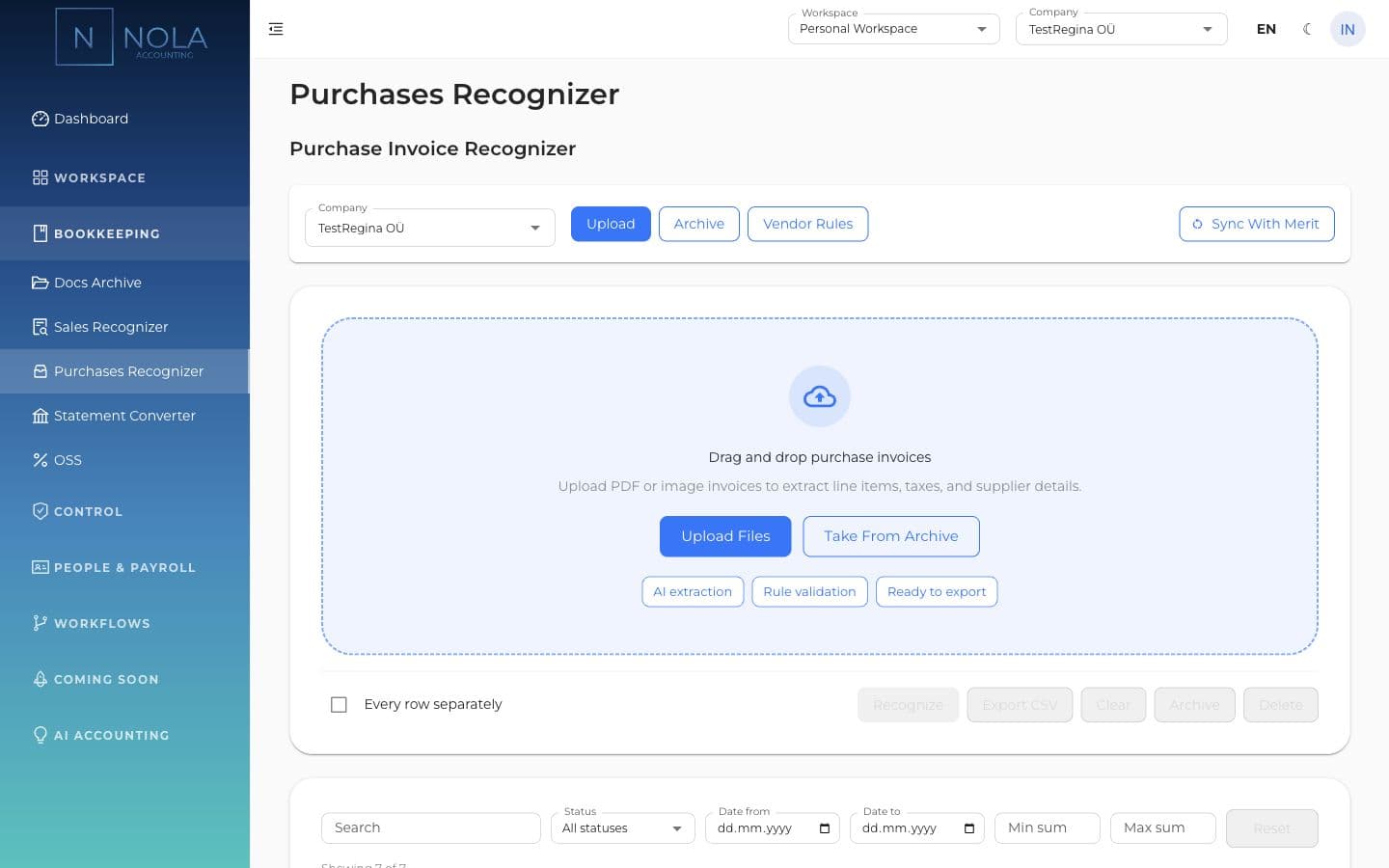
Nola takes purchase invoices from upload or archive, recognizes header fields and lines, matches vendors and rules, then leaves the final posting decision to the accountant.
Sales invoices

Sales invoice recognition, not only purchase invoices

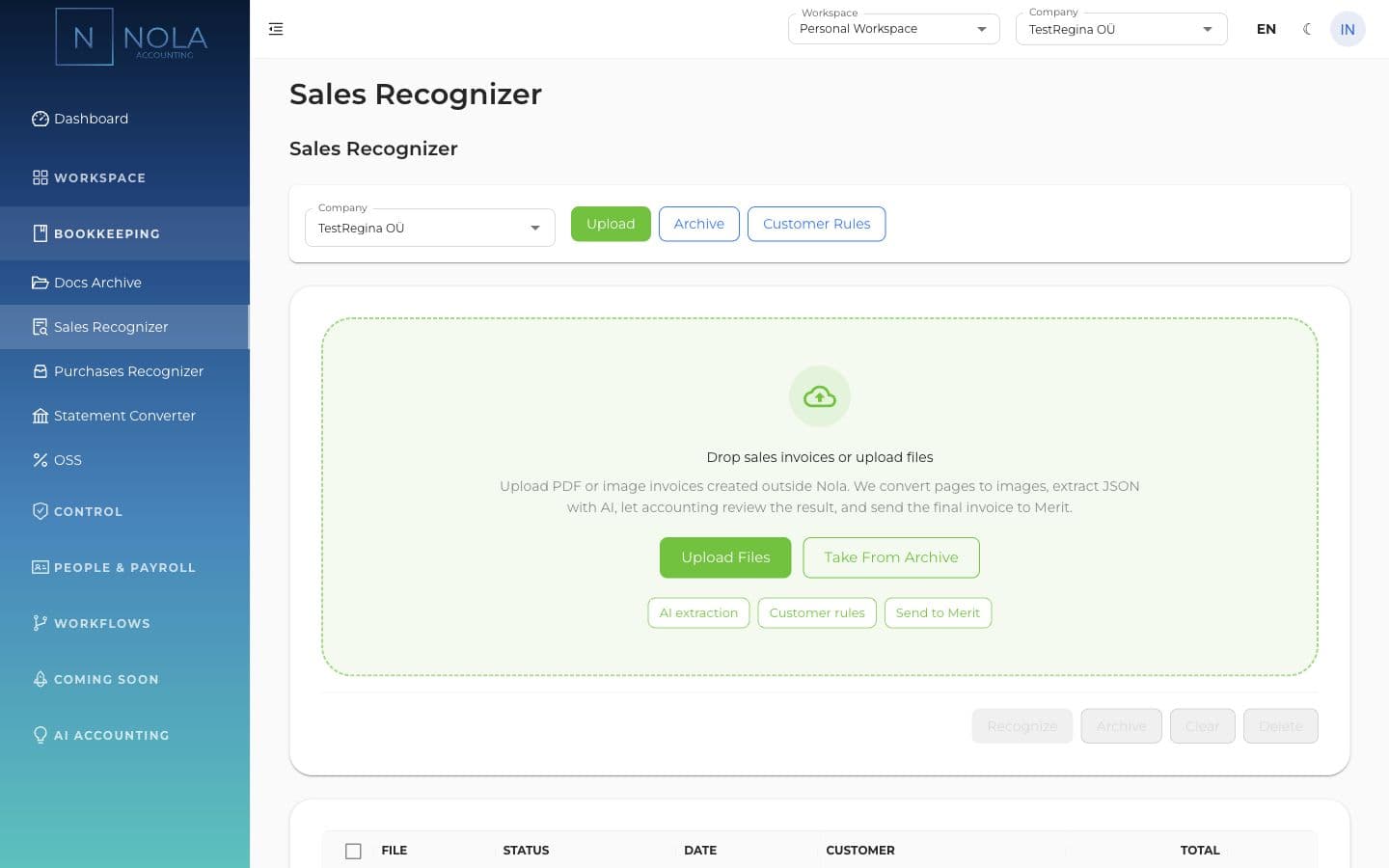
When a client creates sales invoices outside Nola, Nola can take the PDF or image from upload or archive, recognize customer data, lines, totals and VAT, then leave the result for accountant review.

Merit

Bank statement will not import into Merit? Convert it in Nola

Wise, Paysera, Stripe and generic CSV/XLSX exports can be converted into Merit-importable XML or sent to Merit without rebuilding the table by hand.

KYC/AML

KYC/AML workflow for evidence and risk review

Nola keeps the client questionnaire, evidence uploads, risk profile, reviewer decision and AML/CFT settings in the same workspace, instead of scattering compliance material across folders.

Client portal

The client portal upgrades the accountant's service

In Nola Accounting, you can give each client a portal with their own archive, sales invoices, business templates and employee hiring packets. Your service feels more modern and clearer to the client.

Archive

Monthly document intake without email chaos

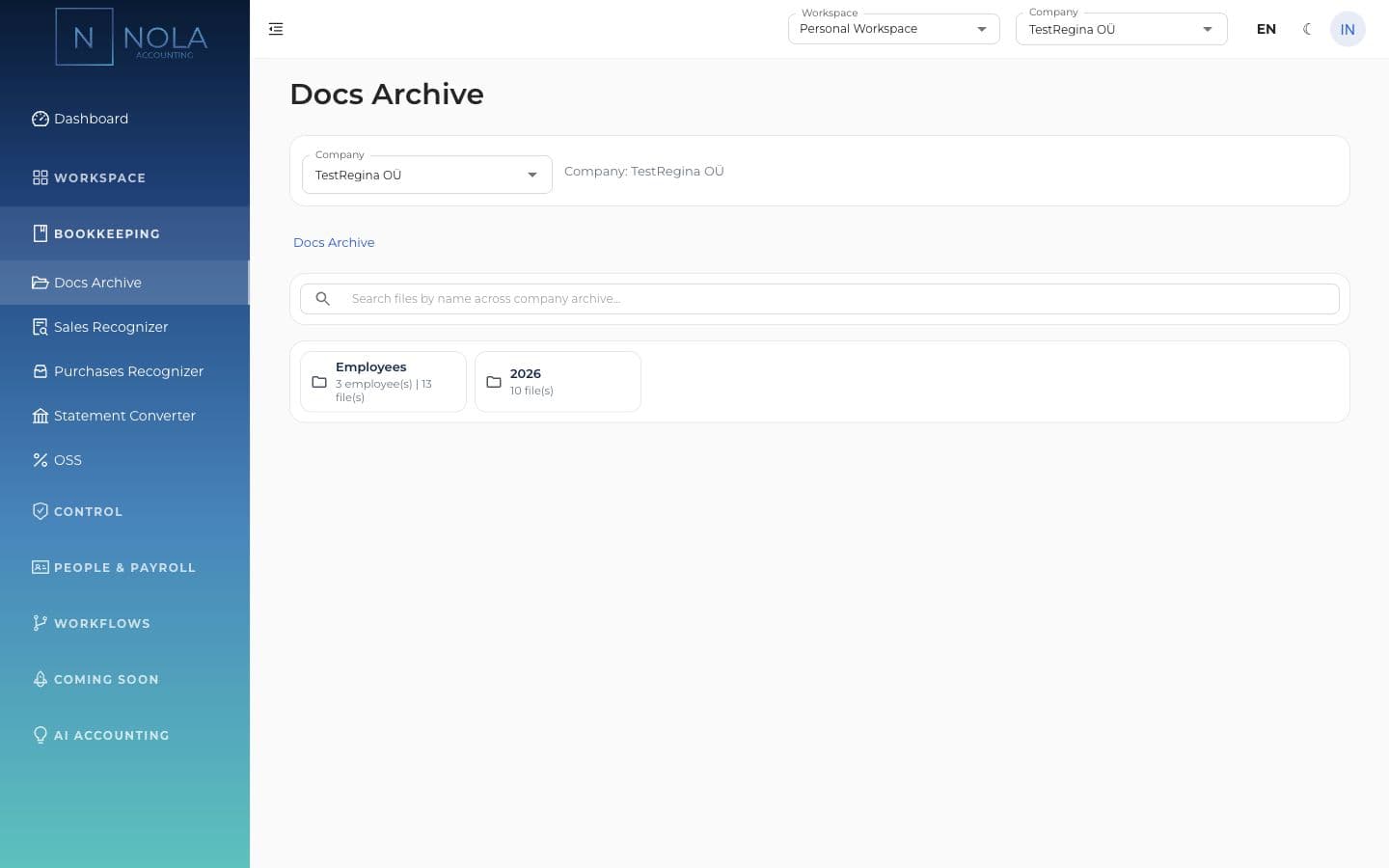
Docs Archive keeps files by year, month and category. Accountants stop hunting for attachments across email, chat and Drive.

Three places where Nola reduces manual work.

This is not fully automated bookkeeping. Nola prepares the work where daily manual effort costs time: invoices, statements and reviewable data.

Purchase invoice data prepared for accountant review

Purchase invoice data prepared for accountant review

Nola helps extract vendor, lines, totals and tax data while keeping the final review with the accountant.

Sales invoice recognition matters as much as purchases

Sales invoice recognition matters as much as purchases

When sales invoices arrive as PDFs or images, Nola helps recognize customer, lines, totals and VAT.

Bank statements converted for Merit

Bank statements converted for Merit

When a statement will not import into Merit, Nola helps convert it into a usable import file.

KYC/AML

KYC/AML workflow stays in the same workspace.

Anti-money-laundering material does not have to live in separate spreadsheets and folders. Nola keeps questionnaires, evidence, risk profile and review close to client work.

Our partners

Nola works with finance and technology partners that accounting teams already know.

Accounting Resources
Merit Aktiva
OpenAI
Dep to Win

Questions before booking a demo.

Who is Nola Accounting for?

Accountants who serve multiple companies and want invoice recognition, statement conversion, documents, KYC/AML evidence, the client portal and month-end work in one workspace.

Does Nola recognize sales invoices too?

Yes. Nola helps recognize both purchase and sales invoices from PDFs and images. The accountant reviews customer, vendor, line, total and VAT data before final sending or saving.

What does the statement converter do?

When a Wise, Paysera, Stripe or other CSV/XLSX export will not import into Merit, Nola helps convert it into Merit-importable XML or send it to Merit.

Is KYC/AML covered in Nola?

Yes. Nola keeps the client questionnaire, evidence uploads, risk profile, reviewer decision and AML/CFT settings in one workflow. It is not a fully automated live-provider KYC check.

Is the client portal part of Nola Accounting?

Yes. Accountants can open a portal for clients so they upload documents, create sales invoices, submit employee details and access materials in one place.

Does Nola replace Merit?

No. Nola supports Merit-connected workflows: reviewed invoices can be sent to Merit, statements can be converted for Merit and reports use Merit-connected data.

Is accounting fully automated?

No. Nola prepares inputs, drafts and checks. The accountant reviews, edits and decides. Ambiguous cases stay in review.

What can clients do in the portal?

Clients can upload documents, browse the archive, create sales invoices, submit employee hiring requests, use templates and see reports when the required connections are ready.

See whether Nola fits your accounting practice.

Book a demo and walk through real work: purchase and sales invoices, statement conversion, the client portal and monthly close. Nola does not promise fully automated bookkeeping; it prepares inputs and checks for accountant review.

Nola Accounting

Demo for accountants

Show us how your practice works today. We will show where Nola removes admin work and how the client portal becomes part of your service.

Book a demo